 ★ 5
भ्रष्ट स्काई वाली एक Sprunki मॉड में रूह काँपाने वाले हॉरर बीट्स बनाएं।
 ★ 4.6
A free browser news desk where Sprunki hosts react to every button.
 ★ 4.4
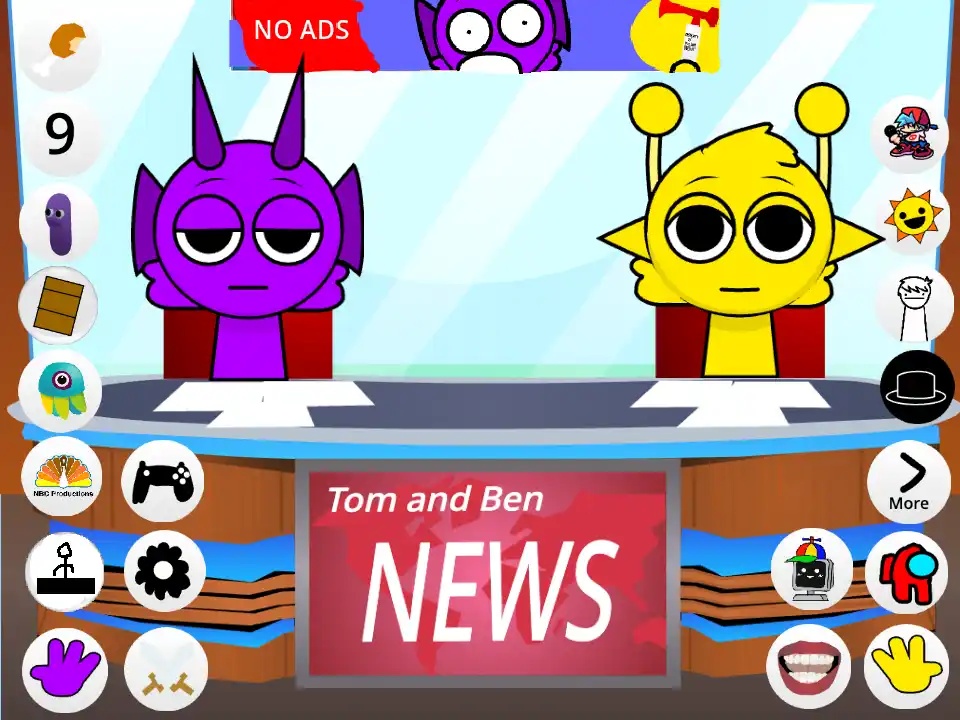
Run a chaotic TV news desk with Simon and Durple.
खेलने के लिए क्लिक करें
यह मुफ्त है!
जब खेल लोड हो रहा हो तो कृपया धैर्य रखें
 ★ 4.8
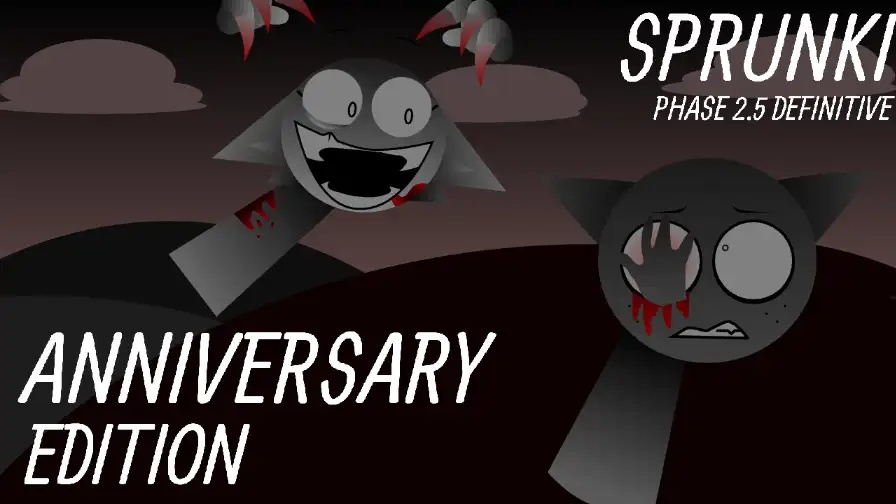
Build a cheerful party loop, then trigger the horror version.
 ★ 4.1
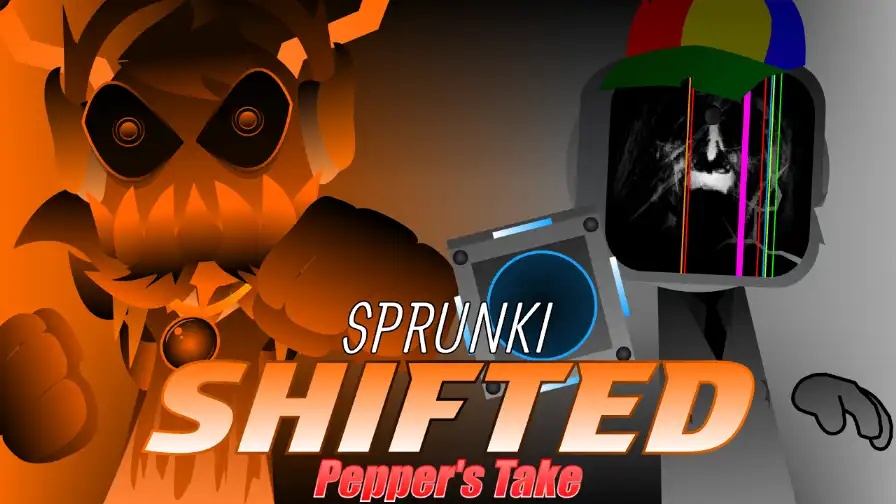
Trigger a Sprunki Shifted Pepper's Take horror phase after you build a mix.
 ★ 4.9
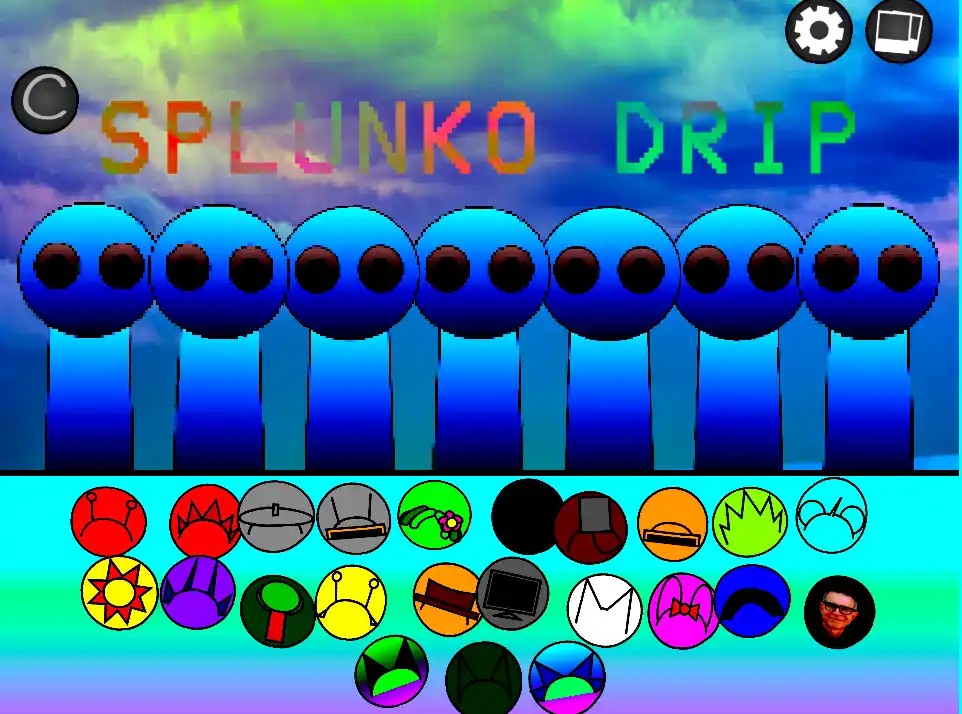
SPLUNKO DRIP serves hip-hop mixing in your browser, with a hidden horror twist.
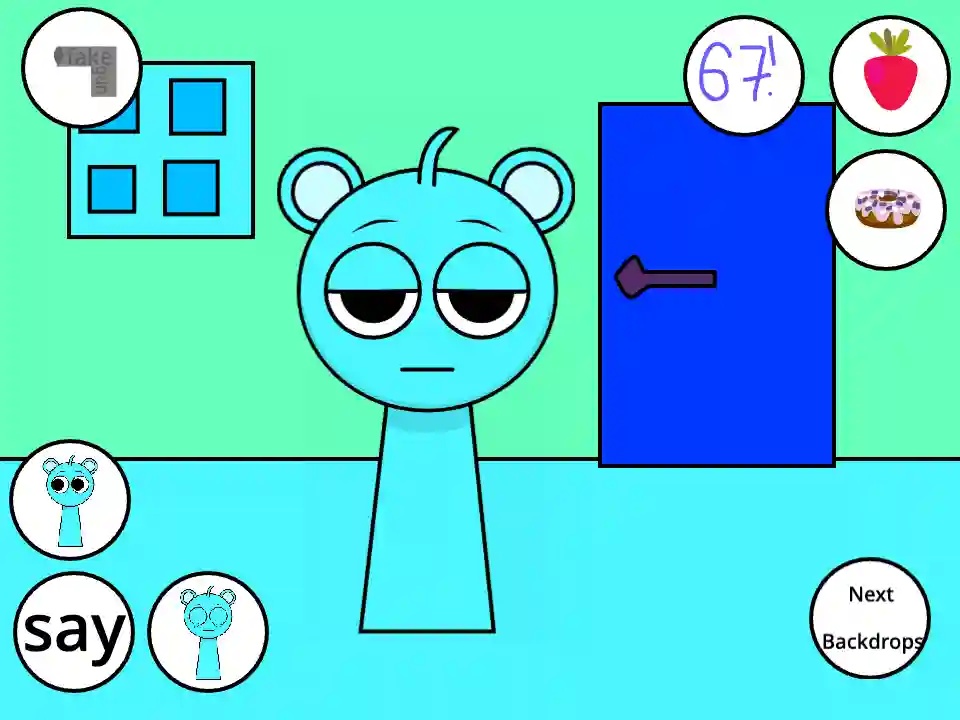
Sprunki - Talking Sky is a free browser virtual pet game starring the blue Sprunki as a talkative pal. You do not drag beats onto a stage here. Your job is to feed Sky, poke him, and chat with him, then watch each response. This fan-made Incredibox-style mod draws on the slapstick feel of older talking-cat phone games. Buttons on the screen let you offer donuts or strawberries, change the backdrop, and set off reactions. If you let the page use your microphone, Sky answers your words in a squeaky tone. You can open it online at no cost in your browser, with nothing to download.
Open the page in your browser and hit play. A microphone prompt appears, so allow it when you want the voice feature to work. Should you refuse, the food and action buttons will still react when you click them.
Speak a brief, clear phrase and give the red recording icon time to end before you look for an answer. Sky hears you, waits a moment, then echoes your words with a squeaky or warped tone. Brief phrases sound clearest when they come back.
Press the food icon to give Sky something to eat. His two favorites are a donut and a strawberry. Watch the chewing animation play, and alternate the treats so you can find every eating reaction he has.
You can click Sky himself or use the action controls to poke him, punch him, or knock him down. Your click spot changes the outcome, so try his face, ears, feet, and stomach for different responses. Dizziness, anger, and cartoon tears are all possible.
The background buttons take Sky out of the living room. Send him to a forest or into outer space. A fresh scene lets your recordings look different right away, and it does not alter how the game plays.
Plenty of Sprunki mods follow the music-mixing playbook. You pull characters onto a stage and layer loops until a track forms. Sprunki - Talking Sky throws that playbook out. Sky is no beat to stack; he is a pet you care for, annoy, and film. With the microphone on, you speak a line and hear it returned at a cartoon squeak, which helps explain why so many brief videos of him circulate. Food, punch, and backdrop buttons deliver a reaction almost right away. The odd humor of the fandom stays intact, and all it asks from you is a little curiosity.
Yes. You can open it in your browser without paying and without downloading anything. Microphone permission is only needed when you want Sky to mimic your voice. Feeding, background changes, and the other controls all work at no cost.
Turn on microphone access, then say a brief, clear sentence into your device. Let the red recording icon stop before you wait for an answer. Sky listens, takes a pause, and then repeats what you said in a squeaky or warped voice.
You can offer Sky a donut or a strawberry by pressing the food button. Each treat has its own chewing animation. If you give him one kind too often, he may show a full or sick reaction, so mix the two.
Yes, because the game runs in a web browser, a phone or tablet can open it just as a desktop can. The microphone part works only if your browser grants the page access to your mic. The small buttons are easier to tap on a bigger screen.
Yes. This game became popular enough to inspire several spin-offs. Talking Sky & Simon News places Sky beside Simon at a news desk and lifts the action count to around twelve triggers. Talking Sky Friends moves Garnold, Clukr, and Jevin into the house.
In most cases, your browser is blocking the microphone. Make sure the page has mic permission and that another app is not using the mic. Speak clearly, use a short sentence, and let the recording icon finish.
When you allow microphone use, Sky mimics your speech at a high, squeaky, or warped pitch. The brief gap before his answer lands is a big part of why the clips get laughs.
The main game includes around eight distinct actions, from feeding and poking to tipping Sky over. Every action has its own animation, so random clicking seldom produces the same result twice.
You can hand over donuts or strawberries, and both come with a chewing animation. If you keep giving the same treat, a full or sick response may replace the normal one.
You can place Sky in a normal living room, a forest, or space. The change happens at once, and it affects how every screenshot and video you capture looks.
In Talking Sky & Simon News, Sky sits at a desk next to Simon. The two can quarrel, toss objects, and replay broadcasts. That spin-off also lifts the trigger total to roughly twelve actions.
Spin-offs that came later, such as Talking Sky Friends, add Garnold, Clukr, and Jevin to the same house. You handle multiple characters together and set off their robotic, chaotic animations.
टिप्पणियाँ