 ★ 4.7
Create heavy, un-pitched Sprunki loops free in your browser.
 ★ 4.6
Sprunki Anti-Shifted: Phase 4 strips the mixer down to raw, unshifted sound.
 ★ 5
कच्चा, बिना पिच-शिफ्ट वाला Sprunki मॉड जिसमें निश्चित-फ्रीक्वेंसी वाले बीट्स और खुरदरे दृश्य हैं
खेलने के लिए क्लिक करें
यह मुफ्त है!
जब खेल लोड हो रहा हो तो कृपया धैर्य रखें
 ★ 4.8
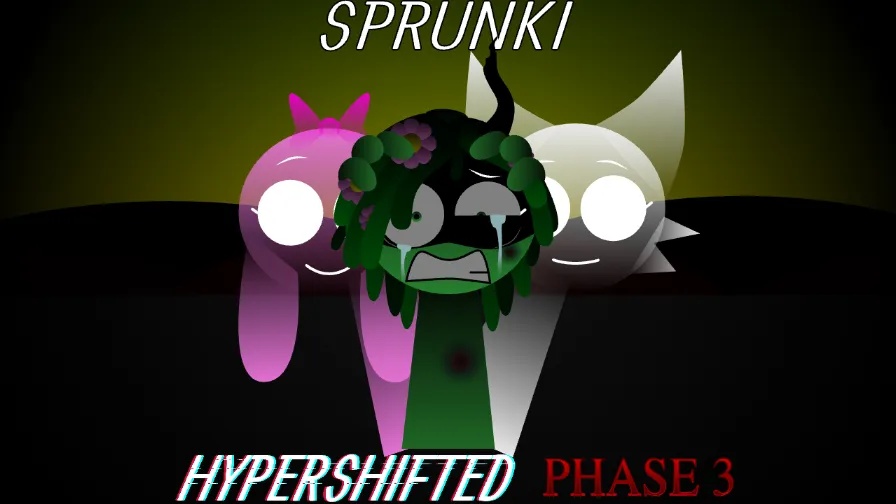
Build glitched Sprunki mixes in a free browser horror mod.
 ★ 4.6
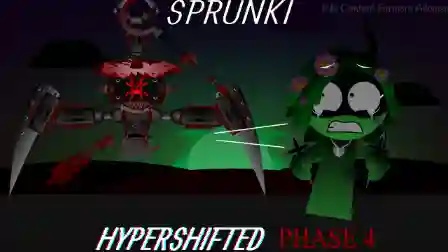
Layer warped Sprunki loops, trigger shifts and unlock horror lore for free.
 ★ 4.7
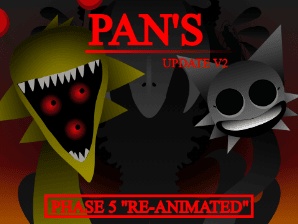
Mix Phase 5 loops while a redrawn Sprunki cast reacts to your track.
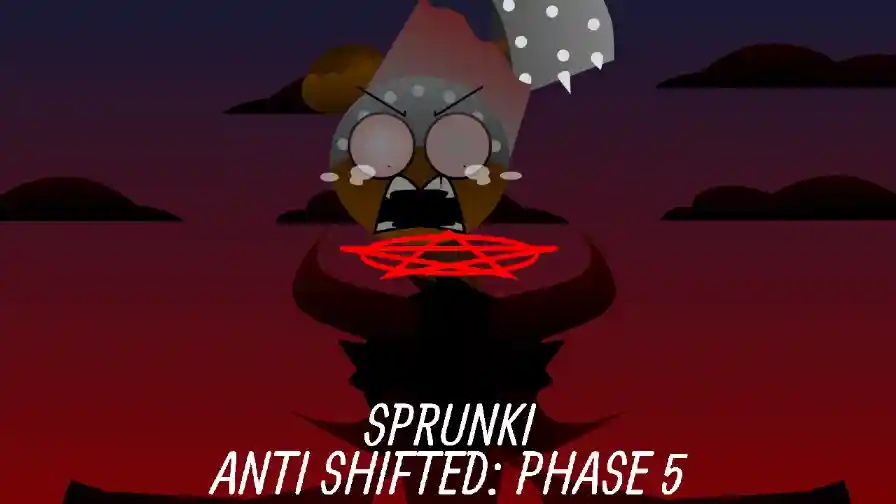
Sprunki - Anti Shifted: Phase 5 is a horror mod for Incredibox where corrupted characters play glitched beats. As the fifth Anti Shifted entry, it converts the friendly drag-and-drop music mixer into a grim survival tale. Oscar has succumbed to darkness and now controls a blood-red stage. You place icons on shadow figures to shape a mix of distorted bass, static and wailing vocals. Some combos open cutscenes and horror bonuses that show the fate of Jevin, Grey and the other crew members. It works in your browser, letting you play online at no cost and with no download.
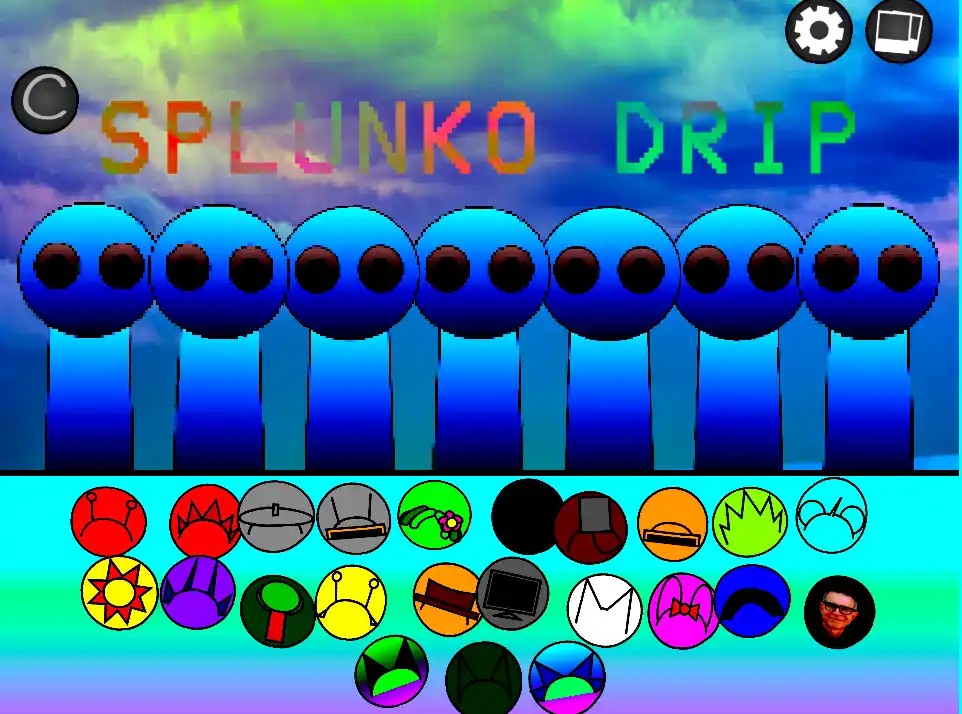
Icons for beats, effects, melodies and vocals sit in the bottom bar. Every icon represents a fallen Sprunki character, so scan the full row before you drop any loop onto the stage.
Move an icon onto a shadow figure on stage to awaken its corrupted form. That character enters the mix immediately and adds a loop to the track you are constructing.
Introduce characters one by one and hear how each loop fits with the rest. This phase prefers a harsh industrial sound, so conflicting layers often beat polished ones.
Open with ambient and effect characters, typically those on the far right, to create an eerie mood. After that, add the distorted bass for an abrupt wall of sound.
Animations lock to the beat in disturbing ways. If all characters glitch together at once, you have found a clean horror loop, so let that combination continue.
Some character groupings set off special animations and horror bonuses. Those scenes shed more light on the Shift and the fate of the Sprunki crew, so test fresh pairs to discover them.
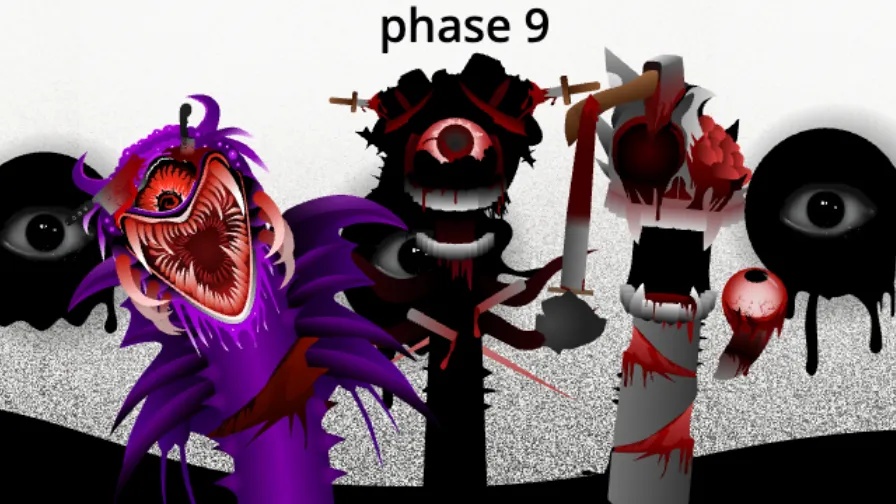
Many Sprunki mods only replace sounds and keep the stage unchanged. Sprunki - Anti Shifted: Phase 5 alters the feel of play itself. Static flickers on screen, figures twist into grotesque forms, and the background moves from a dark empty space to a red hellscape as your mix builds. Heartbeat-like bass drops and scream-like melodies make the soundtrack uneasy instead of harmonious. Story matters here as well: an opening cinematic and scenes you unlock reveal Oscar's betrayal and what became of his old friends. That mix of narrative and music separates it from lighter mods.
Yes. Sprunki - Anti Shifted: Phase 5 costs nothing to play in your browser on this site, and it requires no download or account. Load the page, wait for it to open, then drag characters onto the stage.
No. The opening cinematic and the scenes you unlock cover the main events, so you can follow the betrayal story without the previous Anti Shifted phases. Fans who have played them will notice more references, yet newcomers can begin here.
Experiment with different character groups. Certain lineups unlock special animations and cutscenes that show more of the plot, so change your roster and look for a stage-wide glitch that happens in sync.
Oscar now rules as a demonic overlord with many eyes and bat wings. He mocks his old friends Jevin, Black and Grey, while his distorted bassline drives the track as the main threat of the phase.
Open with the ambient and effect characters on the right side to create an eerie mood. Use static and whispering vocals to raise tension, then add Demonic Red for a heavy bass drop.
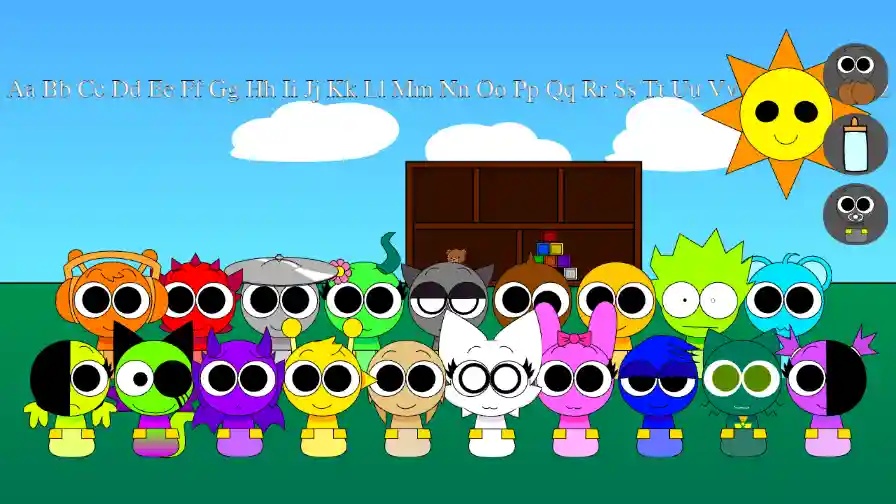
Every icon twists a recognizable Sprunki face. Demonic Red drives the track with distorted bass, Broken Technician contributes mechanical static, and Weeping Vocalist supplies haunting wails.
Your mix changes the stage. Static blinks over the screen, figures bend into grotesque shapes, and the background alternates between an empty dark space and a blood-red landscape.
Certain lineups of characters open brief animated scenes that move the story along. These clips explain the betrayal plot and reveal what the Shift did to Oscar's old allies.
An opening cinematic establishes the conflict, and Oscar mocks Jevin, Black, Grey and the rest. That dialogue gives your music mixing a story frame that most Incredibox mods leave out.
Loops rely on deep bass drops that resemble heartbeats, metallic clangs as percussion, and high melodies that sound like screams. The result feels unsettling even when the track grooves.
टिप्पणियाँ