 ★ 4
Build a fan-made Sprunki mix, then face the phase 11 horror.
 ★ 5
Build complex fan-made tracks in Sprunki - Definitive Phase 12 Fanmade.
 ★ 4.6
Mix the last Phase 12 track and finish the Sprunki story.
खेलने के लिए क्लिक करें
यह मुफ्त है!
जब खेल लोड हो रहा हो तो कृपया धैर्य रखें
 ★ 4.8
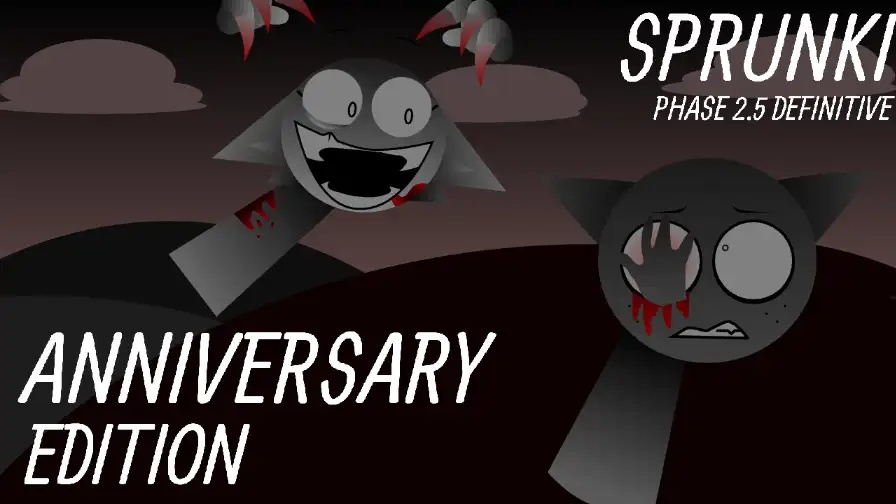
Build a cheerful party loop, then trigger the horror version.
 ★ 4.1
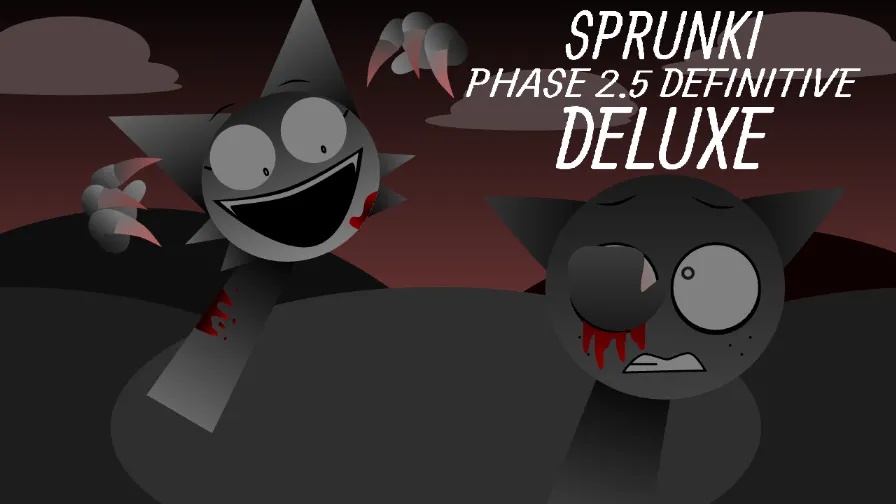
Build a richer Phase 2.5 mix in this fan-made Sprunki mod.
 ★ 4.3
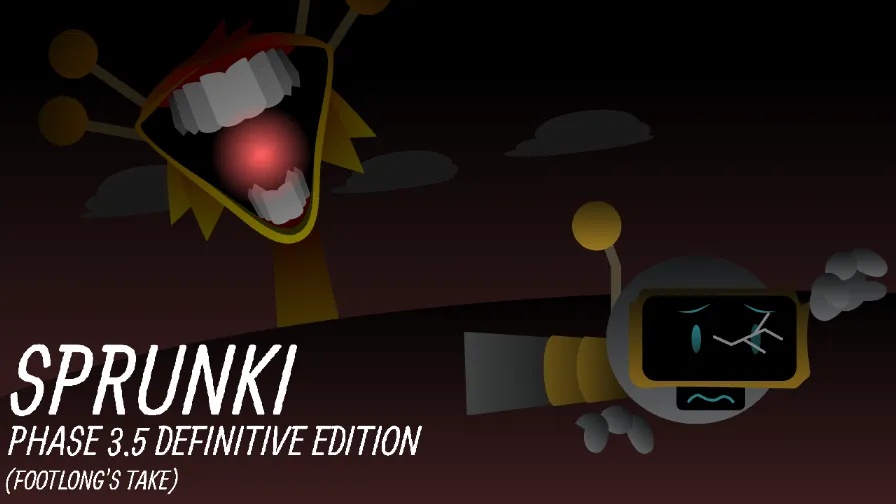
Build a complete Footlong-style Phase 3.5 mix in your browser for free.
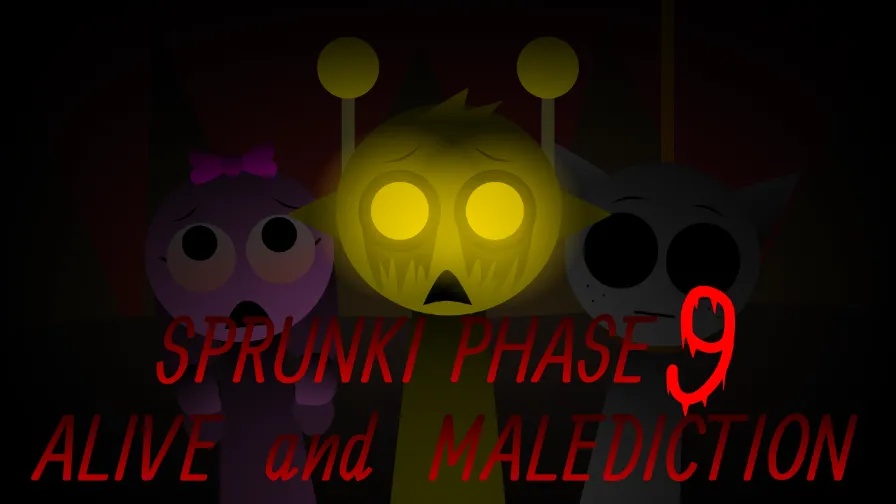
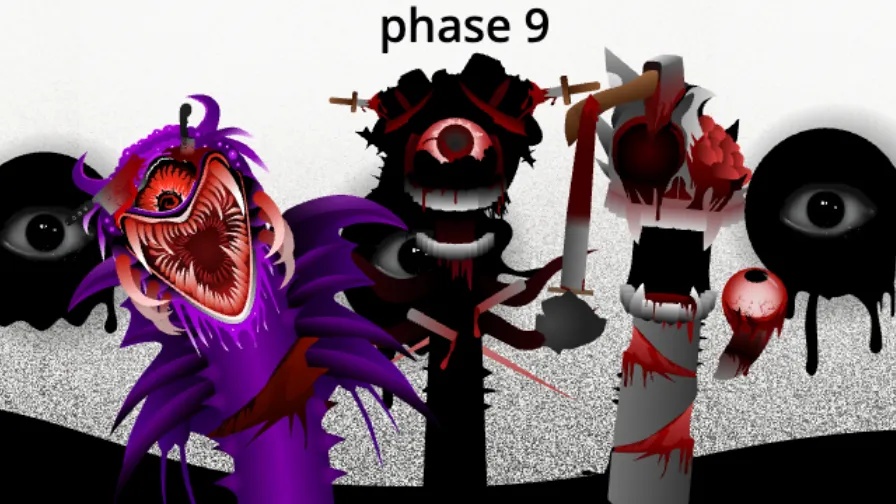
Sprunki Definitive Phase 9 New is a music-mixing browser mod with a dark, cinematic tone, tense beats and haunting visuals. You drag characters onto the stage, stack their loops and shape a short track in real time. Every unit brings a fresh design, new animation and a separate sound loop, so each lineup shifts the mood. Heavy bass, heartfelt melodies and tense rhythms drive the phase. The mood stays dark from start to finish, and that separates it from brighter entries in the series. The mod runs in your browser, so no installation is needed before you mix.
Browse the redesigned cast and choose units with loops that match the mood you have in mind. Every unit adds a different part to the track, so test several before you commit to a lineup.
Put a character in an open slot, and its loop begins at once. Add more units and the track builds in layers, with each new part changing the balance of the mix.
Blend rhythm, melody and bass parts until the piece feels solid. The characters move as the music plays, so you can both hear and see when a layer pushes the track too far.
Trade units in and out to try other pairings. A small lineup change can make a calm section tense, and that is how you give the track its emotional arc.
Once the arrangement sounds right, record it and send it to other Sprunki fans. Sharing lets you compare your build with what other players create from the same cast.
A lot of Sprunki mods toss in a handful of sounds and label the result a phase. Sprunki Definitive Phase 9 takes a broader approach and wraps the music in a complete atmosphere. The sound palette stays dark, with heavy bass, slow melodies full of feeling and rhythms that seem to hold their breath. The cast is rebuilt from scratch with eerie animations, and the units appear to answer one another as your mix grows. Past definitive phases sharpened the controls and feedback, and this release polishes those same tools. It feels closer to scoring a scene than using a soundboard. That story-like pull is what sets it apart from lighter Sprunki mods.
Yes, it is free to play in your browser. No download or account is needed. Once the page is open, give the mod time to load and then start placing characters on the stage.
You build a track by picking characters and dragging them onto the stage so their loops play together. Place or remove units to reshape the track, and test combinations until the mood feels right. When you are happy with the result, record it and share it.
The tone is the biggest difference. Phase 9 wraps the mix in a cinematic mood that leans dark, with tense beats and melodies that carry emotion. The cast has been redesigned from top to bottom and comes with eerie animations. It feels like a short story more than a standard soundboard.
Yes, the drag-and-drop controls make it easy to pick up. The mod also rewards players who want a deeper challenge. You gain more from trying different pairings over time than from loading every slot at once.
Yes, a record-and-share option lets you capture a finished arrangement and send it to other Sprunki fans. It also lets you compare two takes of one track and decide which version works better.
The bass, melodies and rhythms aim for tension, which gives the mod a film-score feel rather than a basic loop collection.
Each unit gets a fresh look, fresh animations and a separate sound loop. The cast is made to perform as a group, not as a stack of samples.
The characters respond to the music while it plays. That gives you a visual sense of the mix and brings motion to the stage.
The sounds are tuned to fit together, so even a dense stack stays clear and the bass keeps its weight.
You place or remove a character with one simple drag, and the response is instant. That keeps your attention on the arrangement, not the interface.

टिप्पणियाँ